
No Public Bledsoe County Warrant Search Form Exists
The county's official pages reviewed for this build did not expose a searchable warrant database, name form, or public warrant phone line. The Sheriff contact is a direct office channel, while the issuing court keeps its own file. No statewide Tennessee portal fills that gap for public self-search.
For a Bledsoe County case, begin with the court named on the citation or notice. If it is unclear, the Circuit Court Clerk can route a Circuit or Criminal Court matter; the courthouse also handles questions about General Sessions and Juvenile dockets.
Searching for a Warrant in Bledsoe County
A Bledsoe County warrant check is a sequence of direct checks, not one database query. Circuit and Criminal Court materials go through the Circuit Court Clerk. General Sessions and juvenile matters have their own court records, and Pikeville Municipal Court handles city traffic and ordinance cases. The Sheriff can confirm county law-enforcement handling, but it does not publish a public list.
Give an office the full name and useful identifiers, such as date of birth, citation number, case number, or missed court date. These details help staff locate the right file; they are not fields from a public form. Confirm current status with the court that issued the process.
- Read the citation or court notice to identify whether the matter is city, General Sessions, or Circuit/Criminal Court.
- Call the issuing clerk and provide the person's name plus any case, citation, or date information available.
- For Pikeville, contact the Municipal Court Clerk; for county service confirmation, call the Sheriff.
- If a copy is not available at the counter, ask the records custodian how to submit a TPRA request.
- Do not use appellate case history as a county warrant search; confirm a personal matter with counsel and the issuing court.
Ask Each Bledsoe Court for Its Own Warrant File
The Circuit Court Clerk, Michael Walker, maintains Circuit and Criminal Court records. The courthouse listing groups Circuit, Criminal, and Chancery Courts at 3150 Main Street, Suite 300, Pikeville; the Circuit Court Clerk's number is (423) 447-6488. Chancery and Probate records belong to the Clerk and Master, so a request for those matters should be routed separately.
General Sessions and Pikeville Municipal Court are also distinct routes. Tell the clerk which court and date appear on the document, then ask where any resulting bench warrant or capias is held. A Bledsoe County request does not go to one central record repository.
The Tennessee Courts clerk finder directs warrant questions to the county where the case began.
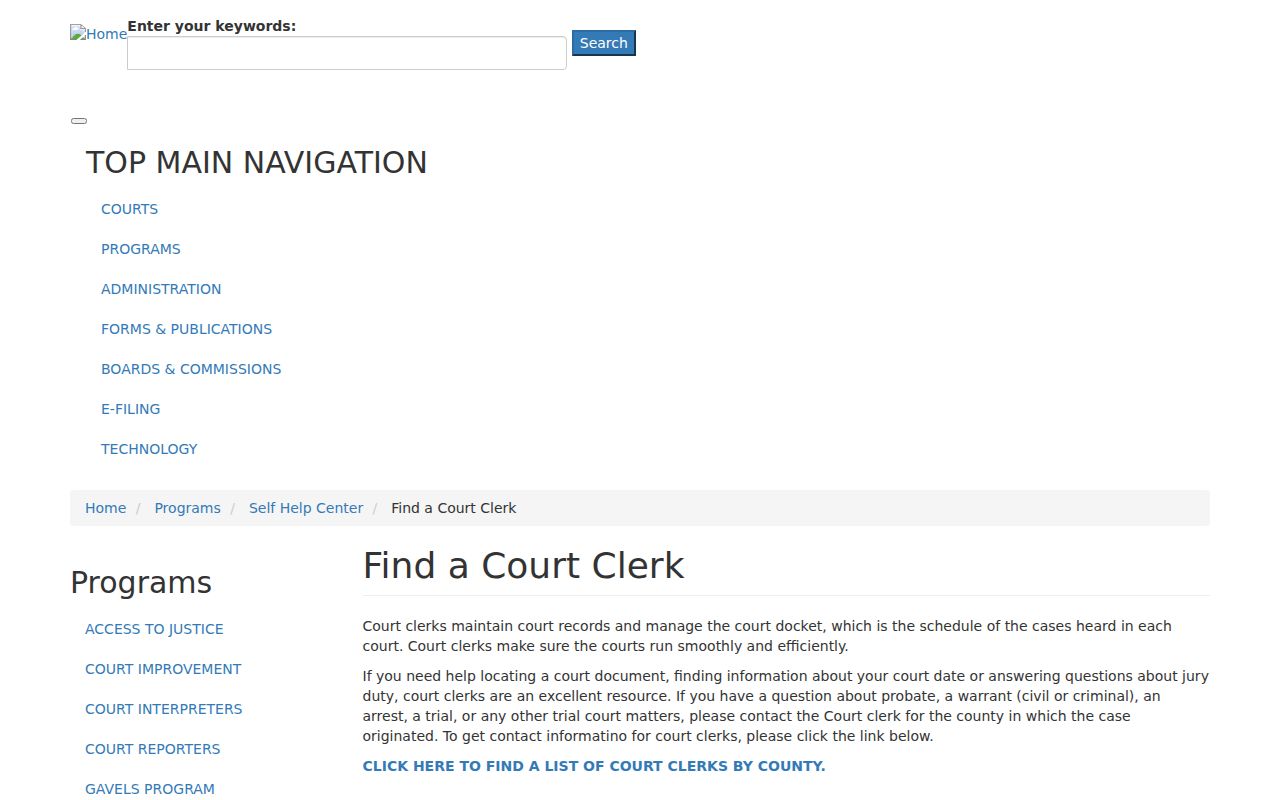
This state directory helps route a question; the Bledsoe clerk still confirms the case record.
Bledsoe County Warrant Search Fields Explained
No public Bledsoe County warrant form was found, so the entries below are details to have ready for a clerk, not required website fields. A staff member may ask for more than one identifier when a name is common. Do not assume the same information is required for every court or that a date of birth alone confirms a match.
| Field Label | Type | Required | Notes |
|---|---|---|---|
| Full name | Information for clerk | Ask office | Use the spelling shown on the citation or court notice. |
| Date of birth | Information for clerk | Ask office | May help distinguish people with similar names. |
| Case or citation number | Document identifier | When available | Give the number printed by the issuing court or city. |
| Court and date | Routing detail | When known | Helps locate a General Sessions, Circuit, or Pikeville matter. |
| Current status | Clerk confirmation | Always ask | Request whether the process is active, served, recalled, or closed. |
The Appellate Case History Search Covers Another Court Layer
The Tennessee Public Case History interface asks for a case number, case style, party name, or business name, but it searches appellate history. It does not search Bledsoe County trial-court warrants. A result there may show an appeal while leaving a General Sessions failure-to-appear process or Pikeville citation entirely outside its coverage.
Use that portal only for appellate matters. For a local warrant question, call the court responsible for the underlying case and ask the clerk to check the current docket and process status. A visually complete interface can still cover the wrong court layer.
The official appellate search displays its available fields.
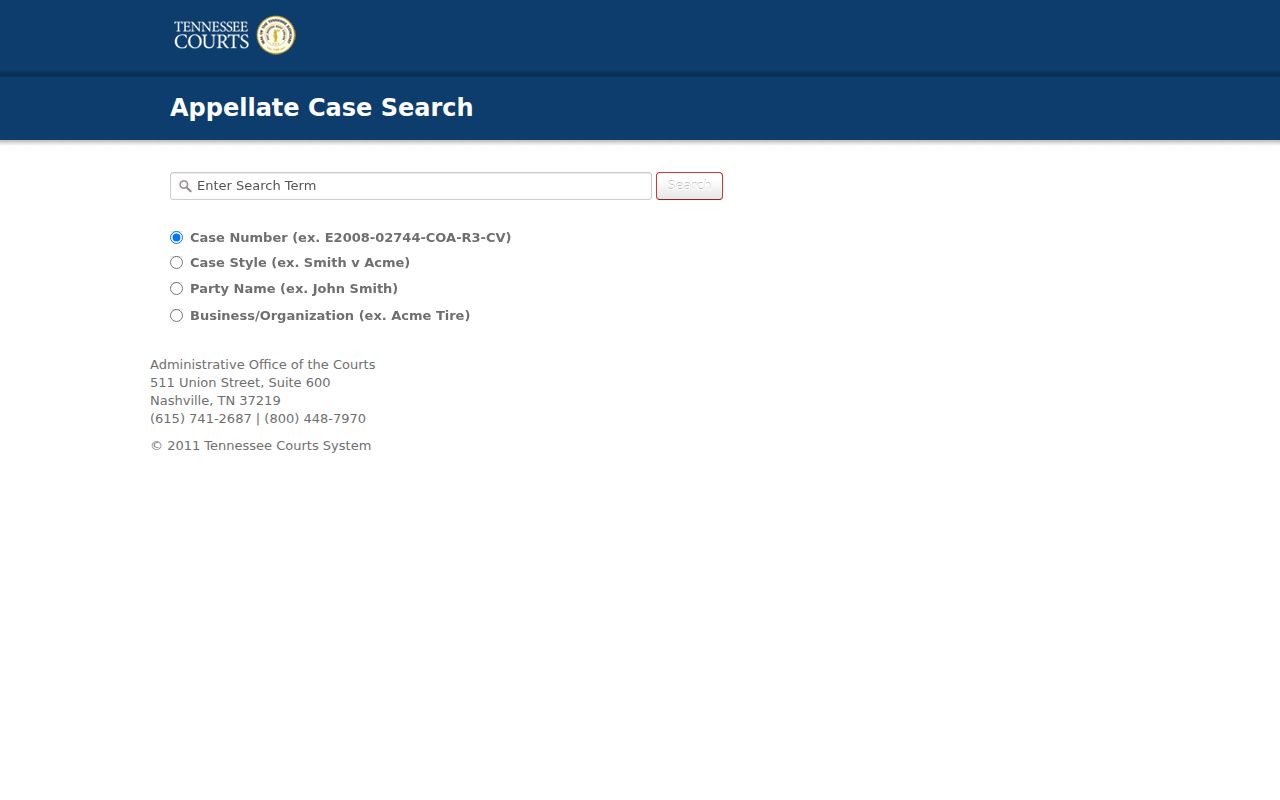
This screenshot shows appellate lookup fields, not a local Bledsoe warrant form.
What a Bledsoe County Warrant Search Can Show
Bledsoe County has no public sample warrant listing, so these are fields to discuss with the custodian rather than promises about a local screen. Ask for the issuing court, case or process identifier, charge or missed obligation, and whether the order remains in force. A bond entry is not proof that payment cleared the warrant.
| Process number | No public local format published; ask the clerk for the case identifier. |
|---|---|
| Charge or obligation | The offense or missed setting tied to the order. |
| Issuing court | The court with authority over the underlying Bledsoe County case. |
| Bond terms | Confirm amount and conditions with the issuing court. |
| Current status | Ask whether service, recall, or another court action changed it. |
A Blank State Portal Result Does Not Clear a Bledsoe Warrant
Tennessee's TCIC, TIES, and NCIC connections are criminal-justice systems, not public self-search products. The statewide driver-license compliance process for some failures to appear is also separate from a warrant database. A result from either channel cannot certify that every Bledsoe County court checked its own record or that a local warrant has been recalled.
If the question remains unresolved, call the Sheriff at (423) 447-2197 for county law-enforcement confirmation and contact the issuing clerk for the court record. Each office can answer a different part of the question.
TBI's CJIS description explains that the network serves criminal-justice users.
Where to Check Warrants in Bledsoe County
Start with the clerk whose court issued the matter. Circuit and Criminal Court records route through the Circuit Court Clerk at 3150 Main Street, Suite 300, Pikeville, (423) 447-6488. Pikeville citations go to the City Court Clerk. For county service or custody information, the Sheriff's Office is at 235 Allen P. Deakins Road and can be reached at (423) 447-2197.
These are distinct records channels, not one shared index. A Bledsoe County clerk can direct a requester to the proper docket, while the Sheriff can confirm its own handling. A records request goes to the custodian, not to a statewide clearinghouse.
Bledsoe County Warrant Access for Sealed and Juvenile Files
Tennessee court records are generally handled under Supreme Court Rule 34, but that access rule has exceptions for sealed and confidential material. Juvenile proceedings have added protections under Rule 114. A warrant that is sealed or connected to a restricted juvenile file may not be visible to a public requester. The clerk can explain what access is permitted.
If a file is available only through a formal request, ask the custodian about Bledsoe County's current procedure and any applicable fees. Tennessee has no central TPRA repository; requests go to the office that holds the record.
The Comptroller's TPRA FAQ explains request methods and response timing.
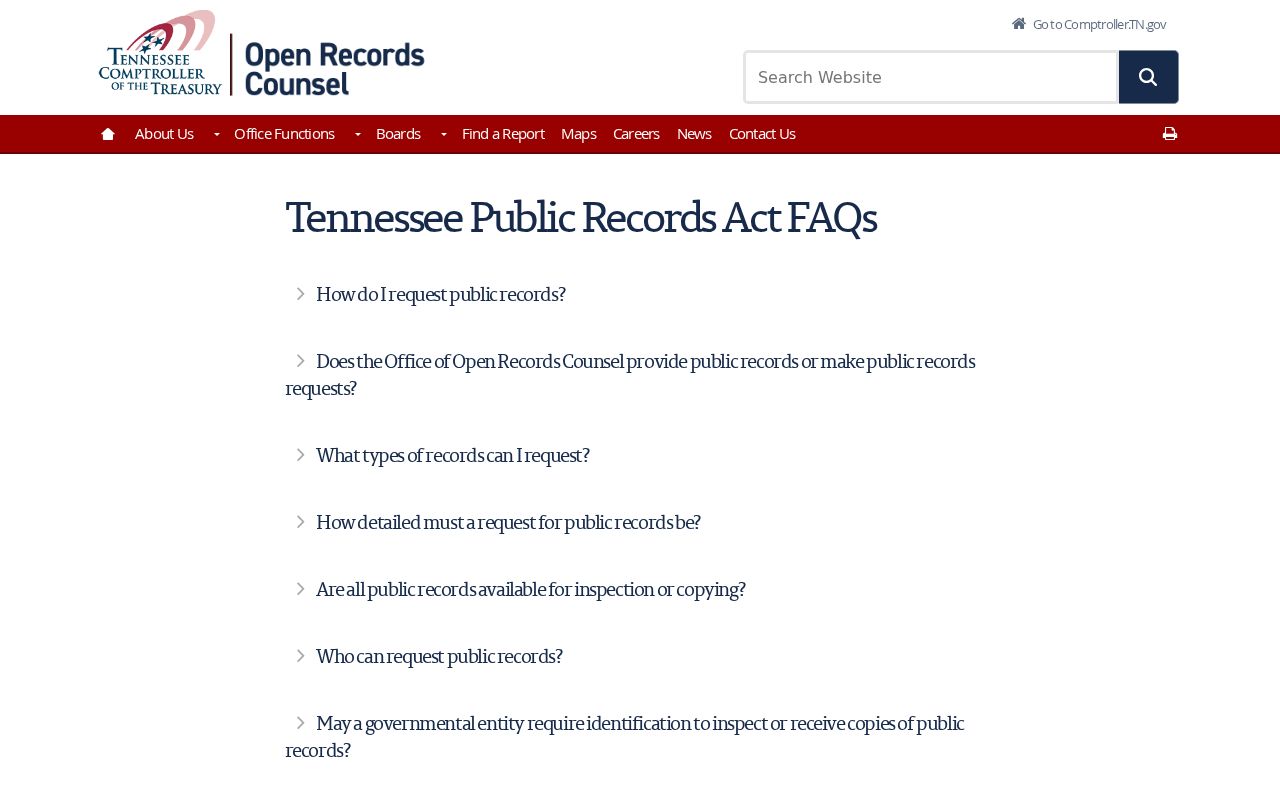
Requests go to the office that holds the material, not to a central state warrant repository.
The Tennessee Supreme Court Rule 34 page describes public access and its exceptions.
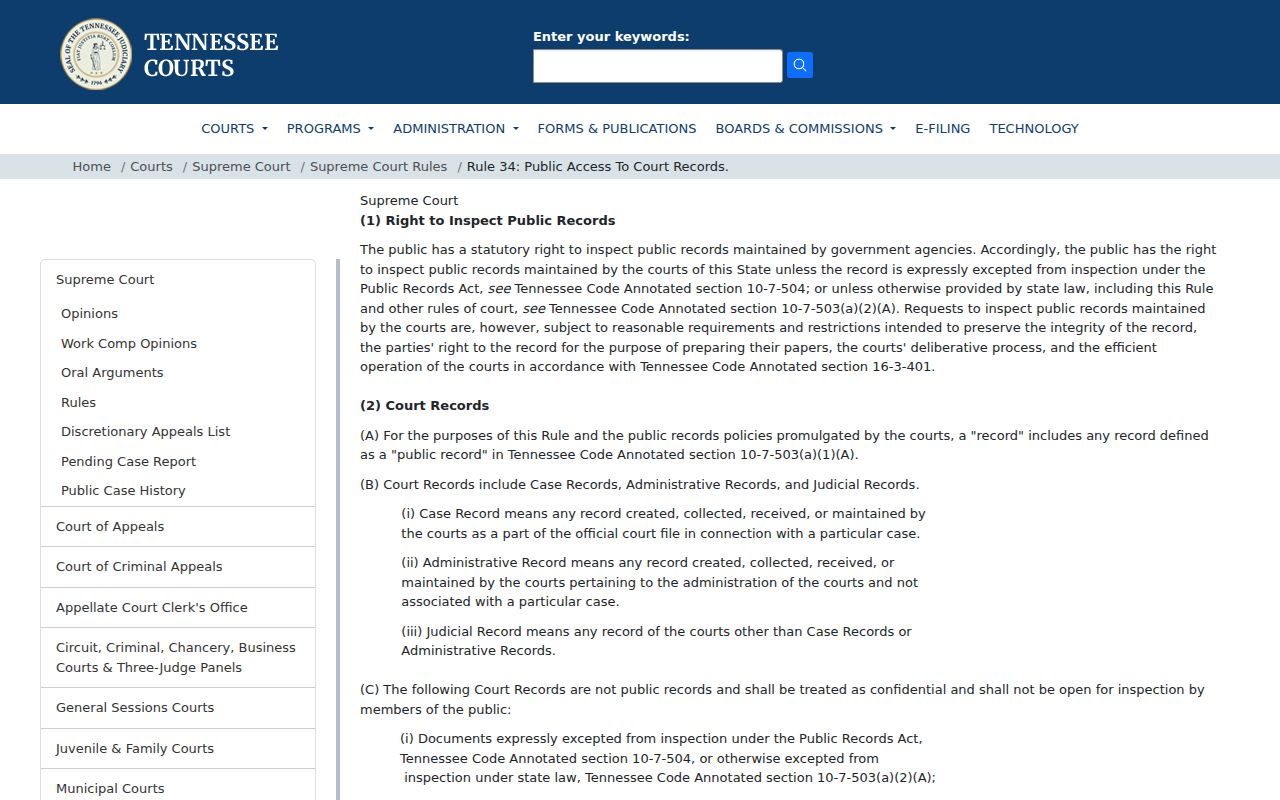
Rule 34 access remains subject to confidentiality and sealing rules.
Restricted Warrants and Access Rules
Access depends on the record type and the court's current order. Public case access does not expose every warrant file, and a withheld record should not be taken as a signal about status. Ask the clerk what rule applies to the specific file and how an eligible request should be made.
Key Rules:
Rule 34 allows confidentiality or sealing restrictions; the clerk can explain what public access is permitted.
Juvenile case files follow separate confidentiality rules under Tennessee Juvenile Rule 114.
No local online roster exists, so a missing result cannot establish that no Bledsoe County warrant is active.